
Scripts with a shape
Pick a layout — review, tutorial, listicle — and write section by section. Draft one part again without touching the rest, and export the whole thing as a PDF into the project's files.
Paste a link and AI drafts the project. Scripts, footage, thumbnails, affiliate links and upload settings — kept together per video, from the first note to the day it publishes.
14-day free trial · Cancel anytime · Your archive is always free
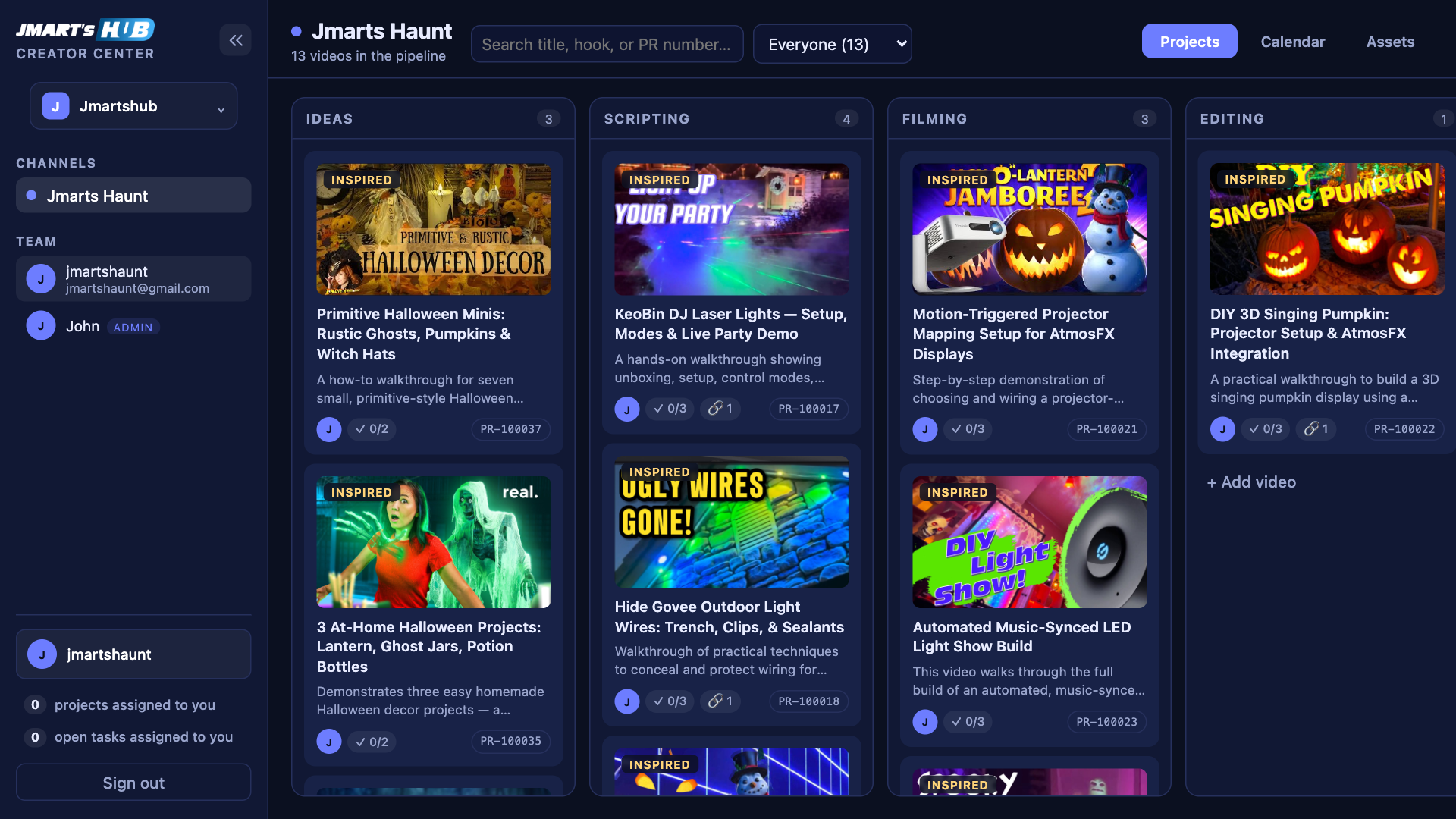

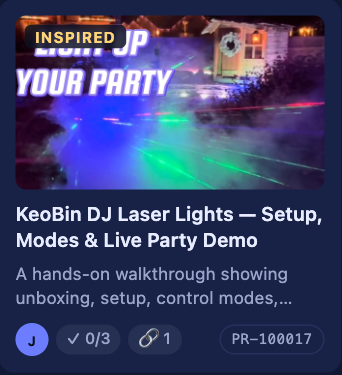
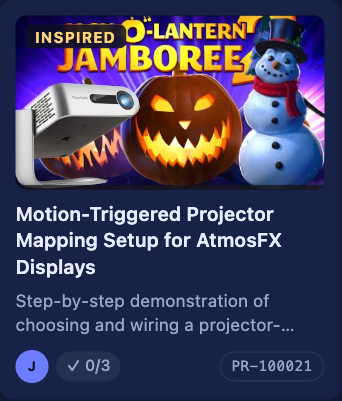


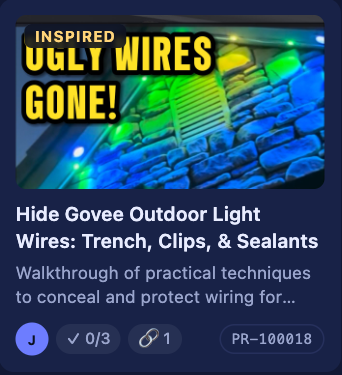
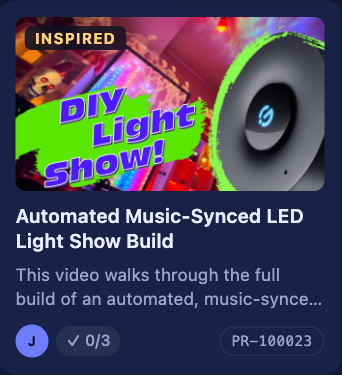
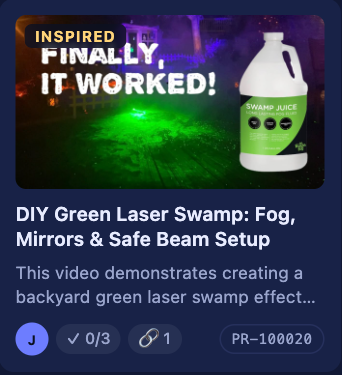
A video that inspired you, or a product you want to review — the draft meets you at the board, not at a blank page.
A blank card, a YouTube video that inspired you, or an Amazon product. The last two take nothing but a link.
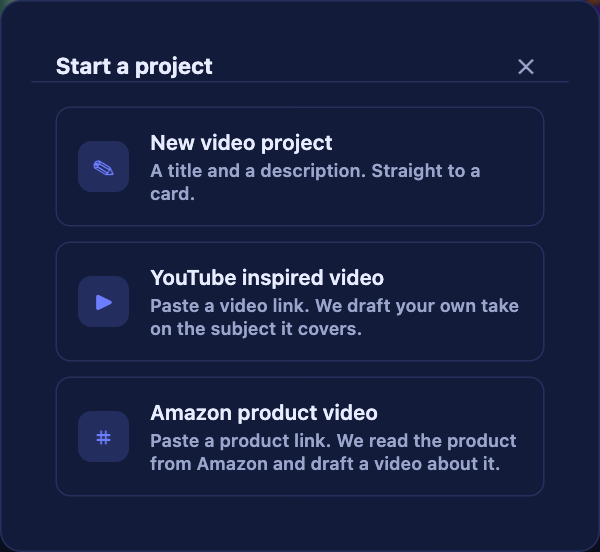
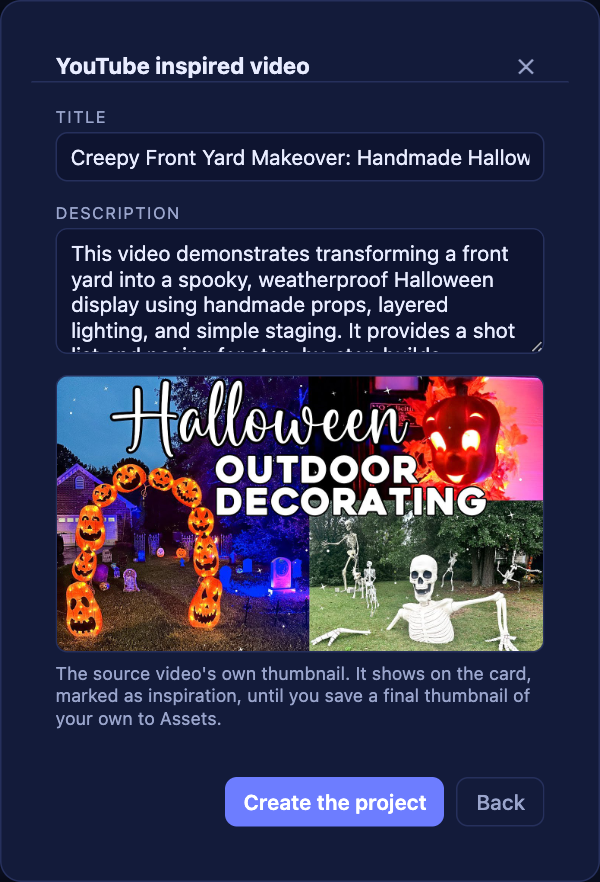
It reads what the video covers and writes a title and brief for your own version — with the source thumbnail attached as inspiration, never copied.
Name, photo and ASIN come back from Amazon's own listing. Tick "my affiliate link" and it's filed into the project's Links table too.
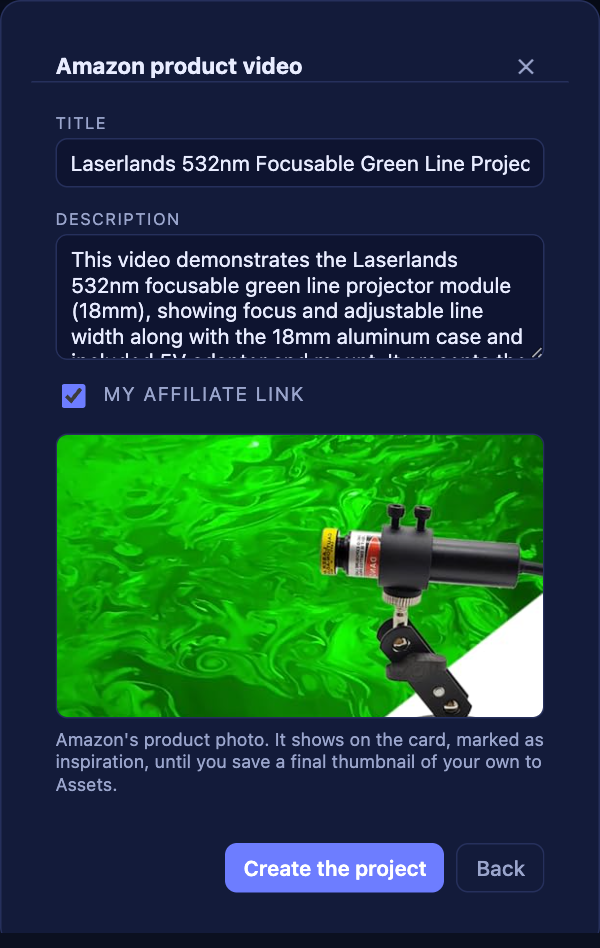
A real project in your pipeline, carrying a paper trail of the link it came from, ready for script, footage and thumbnail.
Not a general project tool with videos squeezed into it.
Pick a layout — review, tutorial, listicle — and write section by section. Draft one part again without touching the rest, and export the whole thing as a PDF into the project's files.
Title, description, tags, hashtags and filename, written from what the video actually says. Rewrite any one of them on its own when it isn't right.
Paste an Amazon link — short, full or a router — and the product, id and photo come back. The disclosure and your links are placed in the description exactly as saved, character for character.
Every project moves through your stages with its own checklist. Drag a card onto a publish date and the month fills in.
Footage, stills, voiceover and thumbnails attached to the project they belong to, with the rights and the brand recorded beside them.
Editors see the channels they work on. Approvals for script, cut and thumbnail sit on the card, so nobody has to ask whether a video is signed off.
Choose a layout and the script arrives as sections rather than a blank page — hook, problem, solution, CTA. Run GPT for a full draft, or redraft one section with a note about what to change. The word count and spoken length update as you go.
Title, description, tags, hashtags and filename, written from the script rather than from thin air — and each one has its own Rewrite button. Your affiliate disclosure and links land at the end of the description exactly as you saved them, character for character.
Footage is heavy, and most tools make you pay every month to keep it, forever. Here you pay for what we hold. When a project is finished, archive it: the file goes back to your own drive and stops counting against your plan.
248 archived assets on your own drives · still searchable here
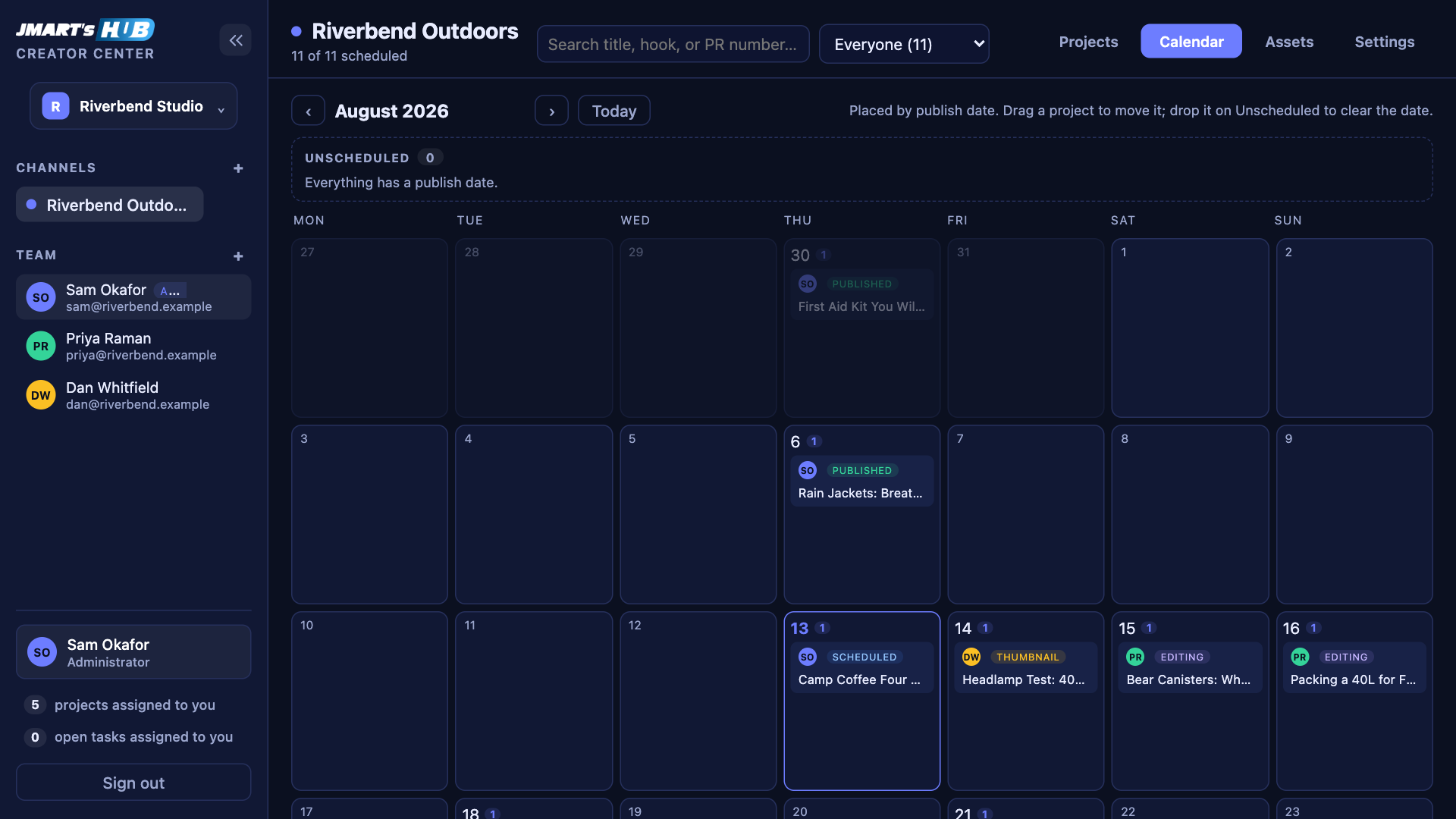
Priced on the space we hold for you, not on how many people look at it.
A channel or three, and the people who help you run them.
billed monthly$190 billed yearly · 2 months free
A few channels and an editing team around them.
billed monthly$390 billed yearly · 2 months free
Channels for clients, with everyone kept to their own.
billed monthly$790 billed yearly · 2 months free
Every plan starts with a 14-day free trial. Move up or down whenever you like — nothing you have made is deleted if you move down.